Make something
worth sharing.
Images, videos, songs and soundtracks. Bring your next idea to life in one clear workspace.
Picture something new.
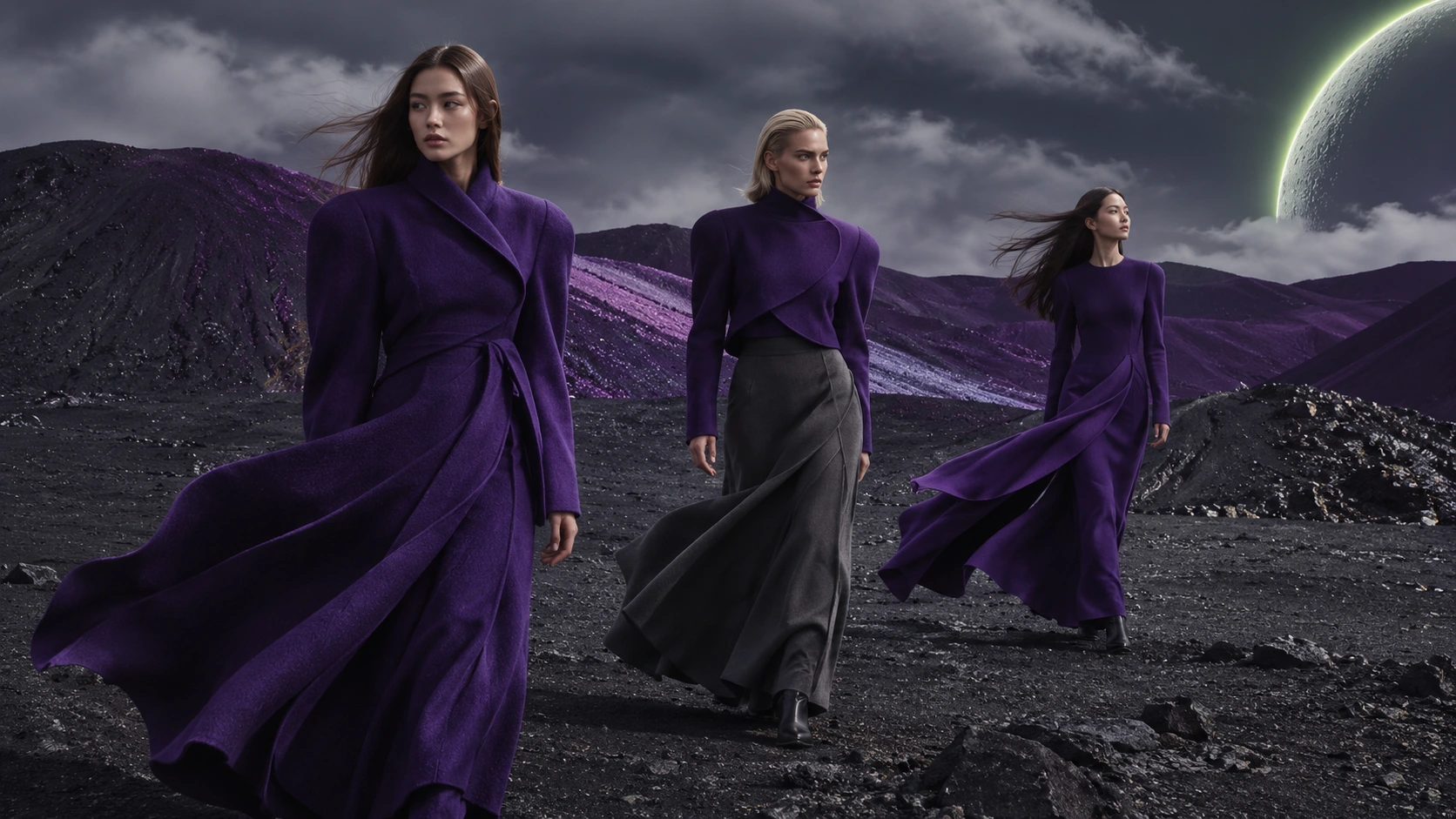
Art, product shots and visual worlds. Start with words or a reference image.
Four ways to make it.
One place to start.

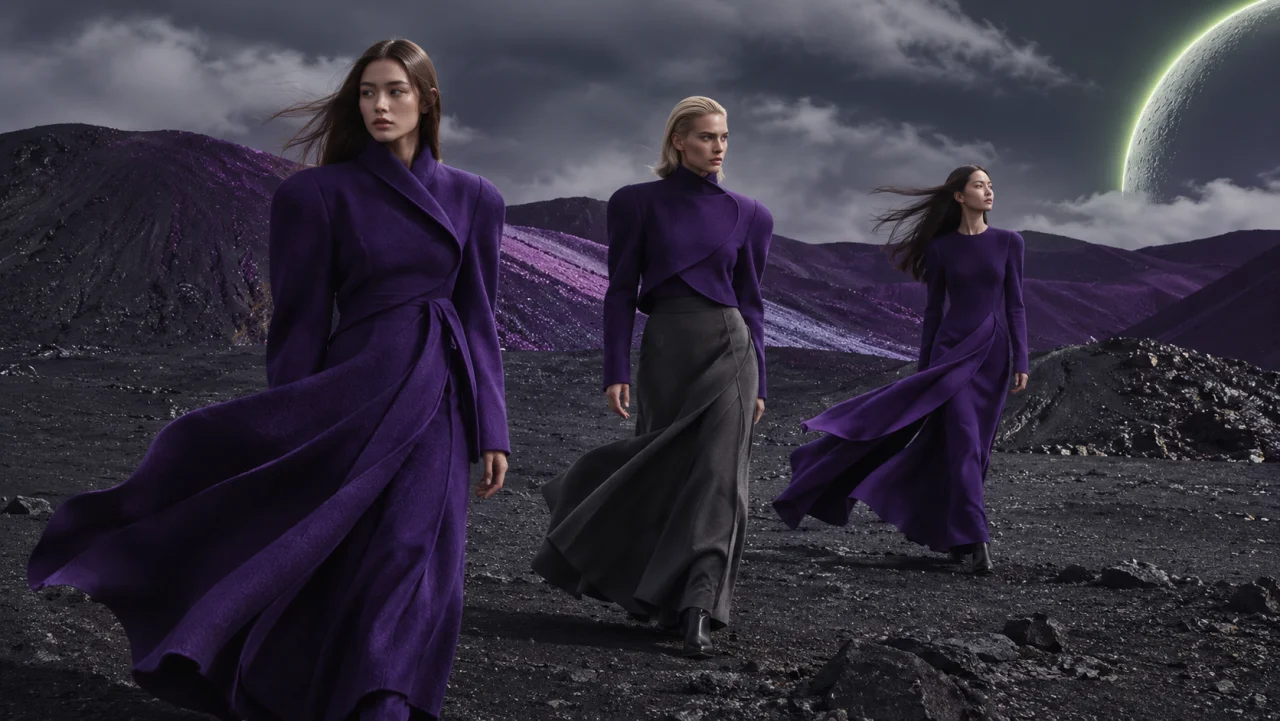
Images
Images: text-to-image and image-to-image with up to four references.

Video
Video: text-to-video and image-to-video with clear duration, resolution and audio options.
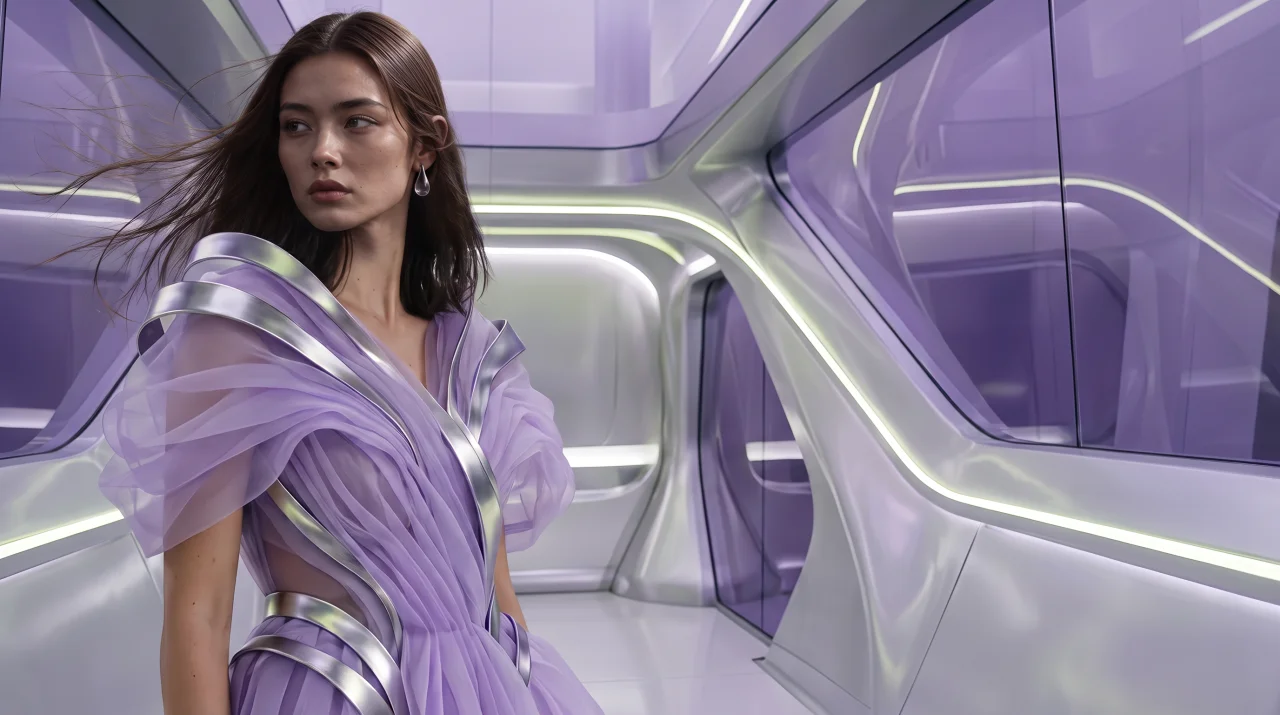
Songs
Songs: tell your story by voice or text, review and edit the lyrics, then create a vocal song.
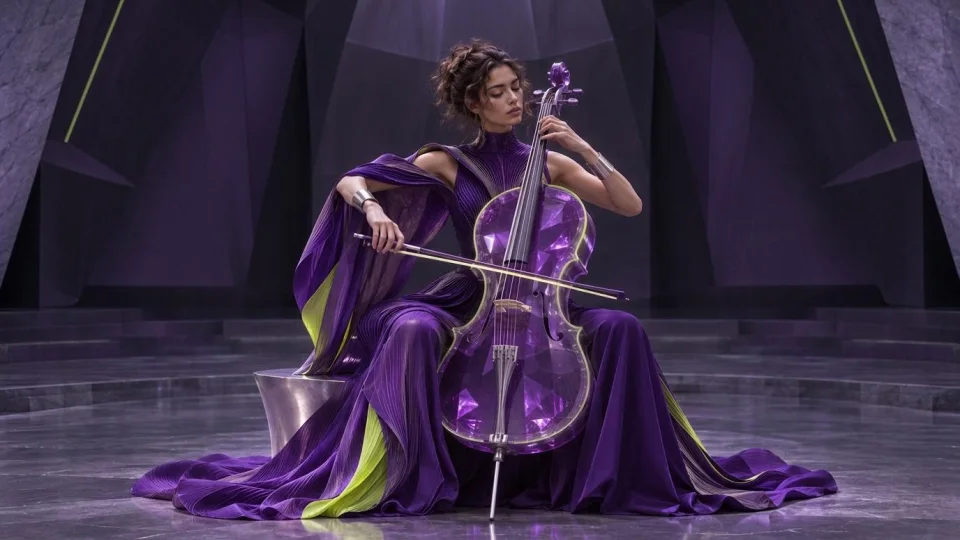
Music
Music: instrumental tracks and backgrounds from a free prompt.
How it works
An image, a video, a vocal song or an instrumental.
Review the credit price before every generation.
Results are available for 24 hours from readiness.
Monthly plans
Choose the space for your next idea. Every plan includes all four creative tools.
Examples
From a single image to a whole new soundtrack. Explore original work made with our creative tools.
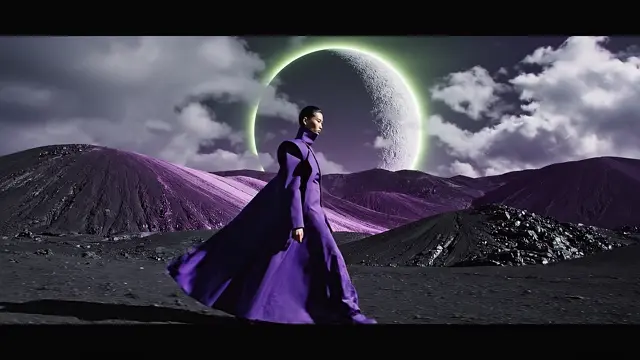
Violet passage
A short cinematic scene, brought to life from text.Something From Nothing
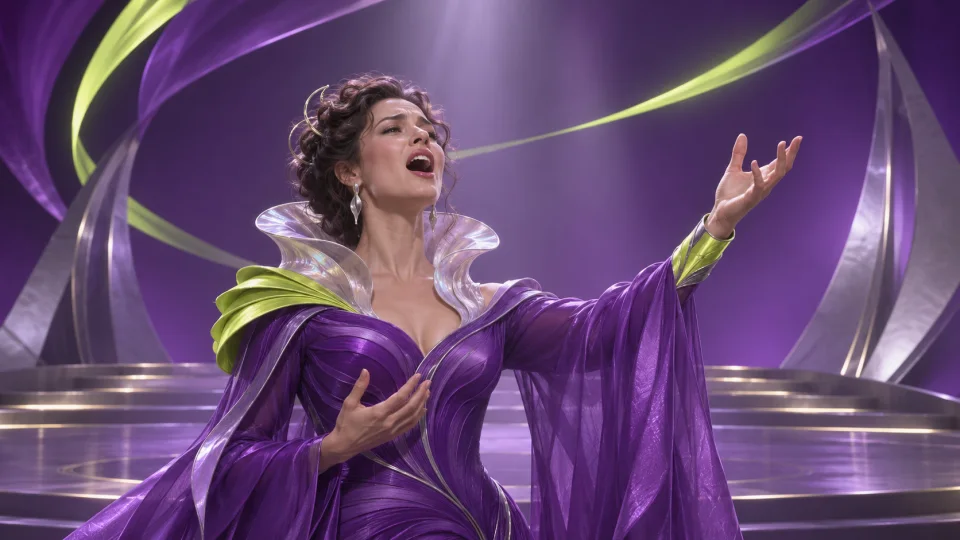
An original story, shaped into lyrics and a vocal performance.After-hours theme
A melody and an atmosphere. No vocals needed.Questions
What can I create with LuckyLoki’s AI tools?
Create images, short videos, original vocal songs and instrumental music in one workspace. Start with a text prompt, add reference images where supported, or tell your song idea in a voice note. Each tool shows its available models, settings and credit price before you begin.
How do I generate AI images from text or a reference image?
Open Images, describe the subject and style, and choose a model, aspect ratio and size. You can also upload reference images that you have permission to use. Review the credit price, create your image and download the result from your workspace.
Can I turn an image into an AI video?
Yes. In Video, start with a text description or upload a starting image. Choose an available duration, resolution and aspect ratio, and whether to generate audio. The tool shows the price for your selected settings before you confirm.
How do I turn my own story into an AI song?
Describe your idea in text or a voice note, then choose the language, genre and vocals. First create and review your lyrics; you can edit them before creating the music. Writing or rewriting lyrics and rendering the vocal song are separate paid steps, each with its own price.
Can I generate instrumental music without vocals?
Yes. The Music tool creates instrumental tracks from a description of the mood, genre and instruments you want. Choose the available model and settings, review the credit price, and download the finished audio for your project.
How do monthly credits and subscriptions work?
A monthly plan adds credits after the payment provider confirms payment. Each creation has a credit price shown before you start. Plans renew automatically until cancelled; unused credits expire at the end of the paid period on a normal renewal. Cancelling renewal keeps the remaining credits available until that period ends.
Can I use AI-generated images, videos and music commercially?
LuckyLoki does not restrict your results to personal use. Commercial use still depends on your rights to the inputs, the model provider’s applicable terms, and the laws and third-party rights relevant to your project. AI output is not guaranteed to be unique, copyright-protected or free of third-party rights. Review the Terms before publishing.
How long can I download my AI creations?
Finished results are available in your workspace for 24 hours after they are ready. Download the images, videos and audio you want to keep. Your workspace also shows the result’s availability time. LuckyLoki is a creation tool, rather than a permanent media archive.