Soundtrack for a video
Describe the emotional start, turning point and ending. For a slow reveal, give the cue a sparse introduction and a defined swell rather than filling every beat.
Score a scene, podcast or campaign with instrumental music. Describe the mood, pacing and instrumentation to give your edit the shape it needs.
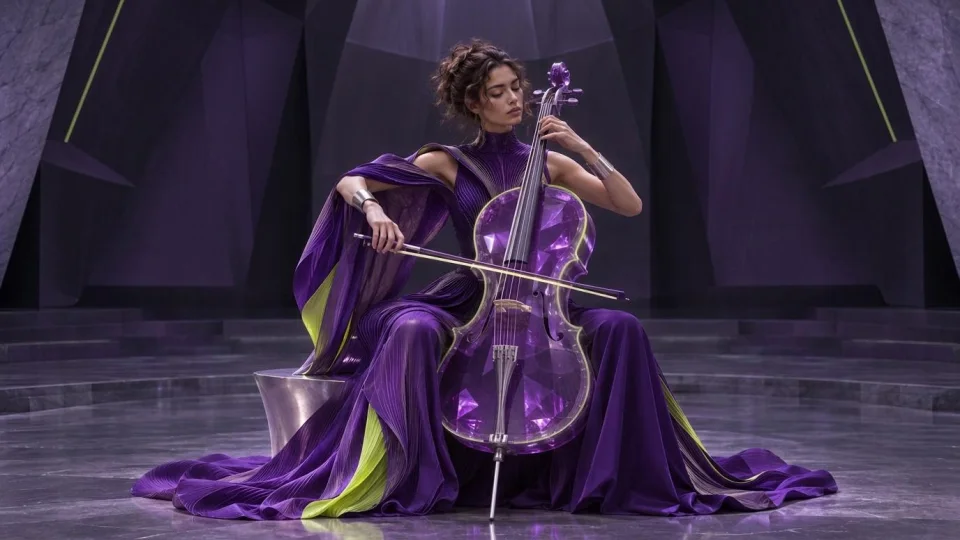
Listen for how the arrangement builds from an open introduction. For an edit, describe where the cue should lift and where the dialogue or action needs room.
Describe the emotional start, turning point and ending. For a slow reveal, give the cue a sparse introduction and a defined swell rather than filling every beat.
Ask for an instrumental bed with steady pacing and a sparse arrangement. Listen under a spoken track before choosing a mix or volume for the final edit.
Yes. Music is the instrumental workflow. Describe the instruments and how busy you want the arrangement to be.
Include mood, tempo, a few instruments and a cue for how the track should build or end.
Use the Songs tool for lyrics and vocals. Use Music to generate instrumental tracks.
Review the credit price in Studio. Generation starts only after you confirm it.
Commercial use depends on your rights to the inputs, the model provider’s terms and applicable law. AI output is not guaranteed to be unique or free of third-party rights. See the Terms for details.
Download finished files within 24 hours of readiness. Studio shows when each result expires.