Lyrics to song
Paste lyrics you have the right to use. Check the verse breaks, shorten crowded lines and read the chorus aloud so it has room to land.
Give a story a melody and a singing voice. Start with an idea or bring your own lyrics, then refine the words before you render the song.
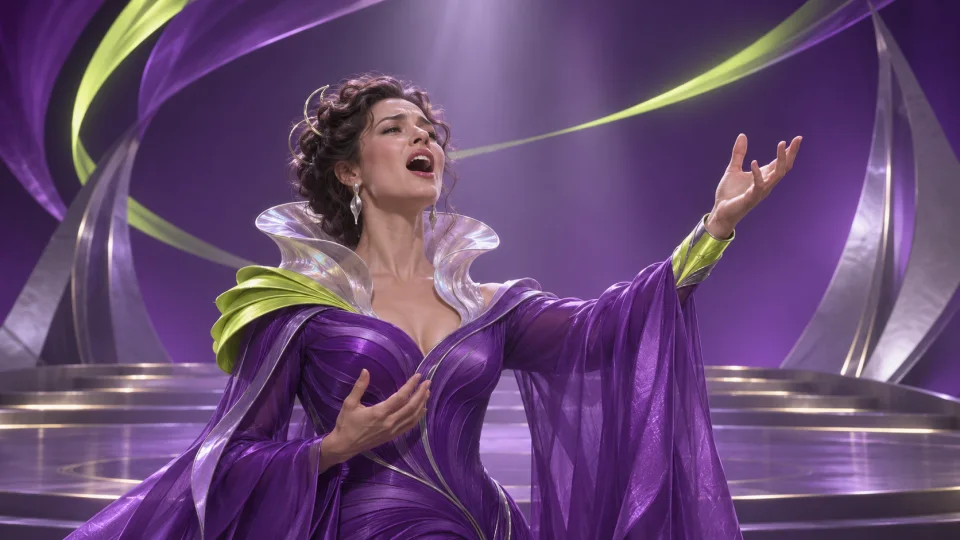
Listen to the entrance of the vocal against the backing track. Use a draft to decide how the lyrics should build into a chorus before you spend credits on the full render.
Paste lyrics you have the right to use. Check the verse breaks, shorten crowded lines and read the chorus aloud so it has room to land.
Describe who the song is for, what happens and how it should feel. Generate a lyrics draft, edit it, then add a musical direction before rendering with vocals.
Yes. Enter lyrics you wrote or have permission to use and edit them before rendering.
Yes. Review the current draft in Studio before starting the separate song render.
Studio lists the languages available for the chosen workflow and marks experimental options where applicable.
Review the credit price in Studio. Generation starts only after you confirm it.
Commercial use depends on your rights to the inputs, the model provider’s terms and applicable law. AI output is not guaranteed to be unique or free of third-party rights. See the Terms for details.
Download finished files within 24 hours of readiness. Studio shows when each result expires.